Screenshots
See GRID in action
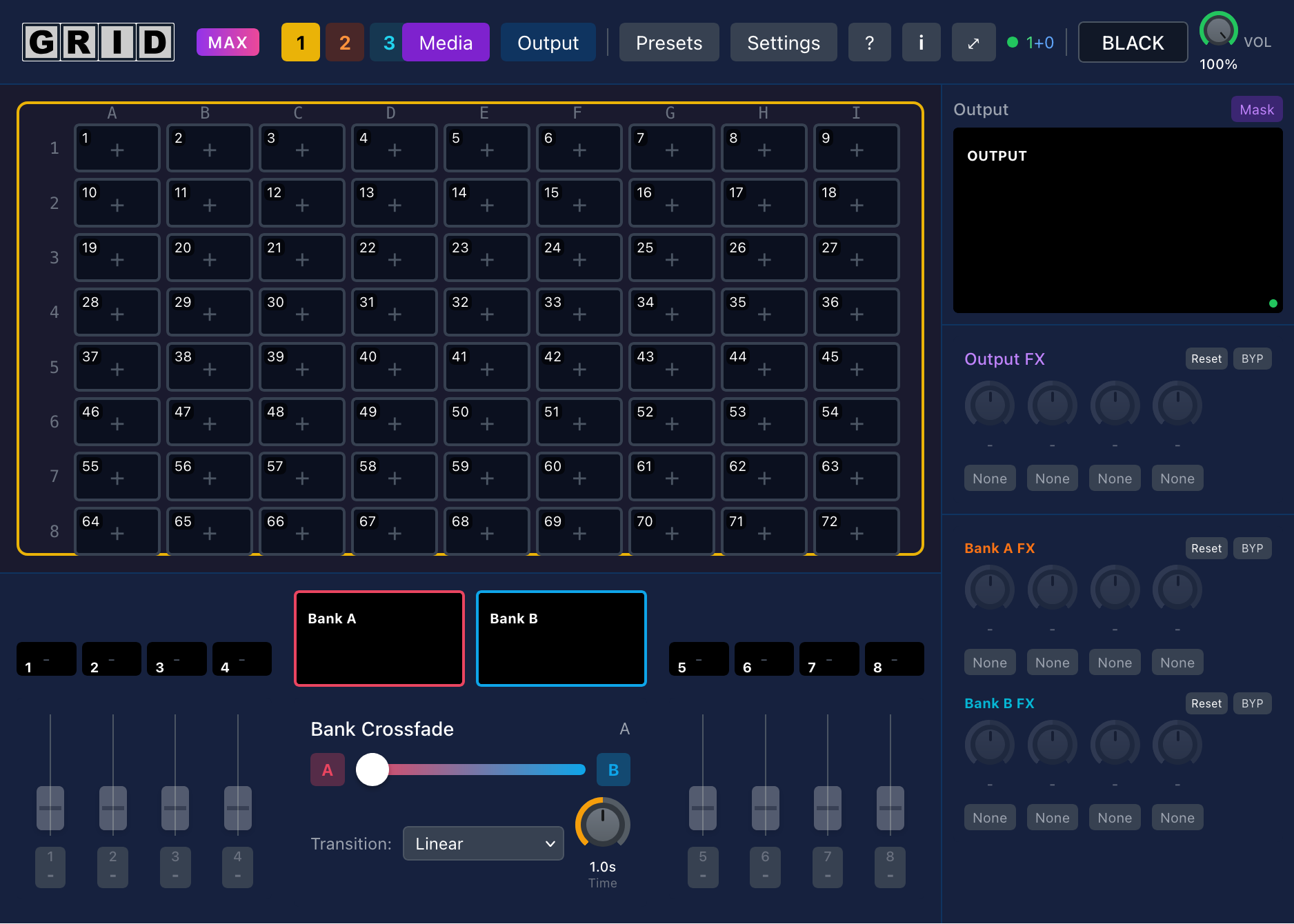
Main control interface with 8 channels and crossfader
Fullscreen output ready for projection
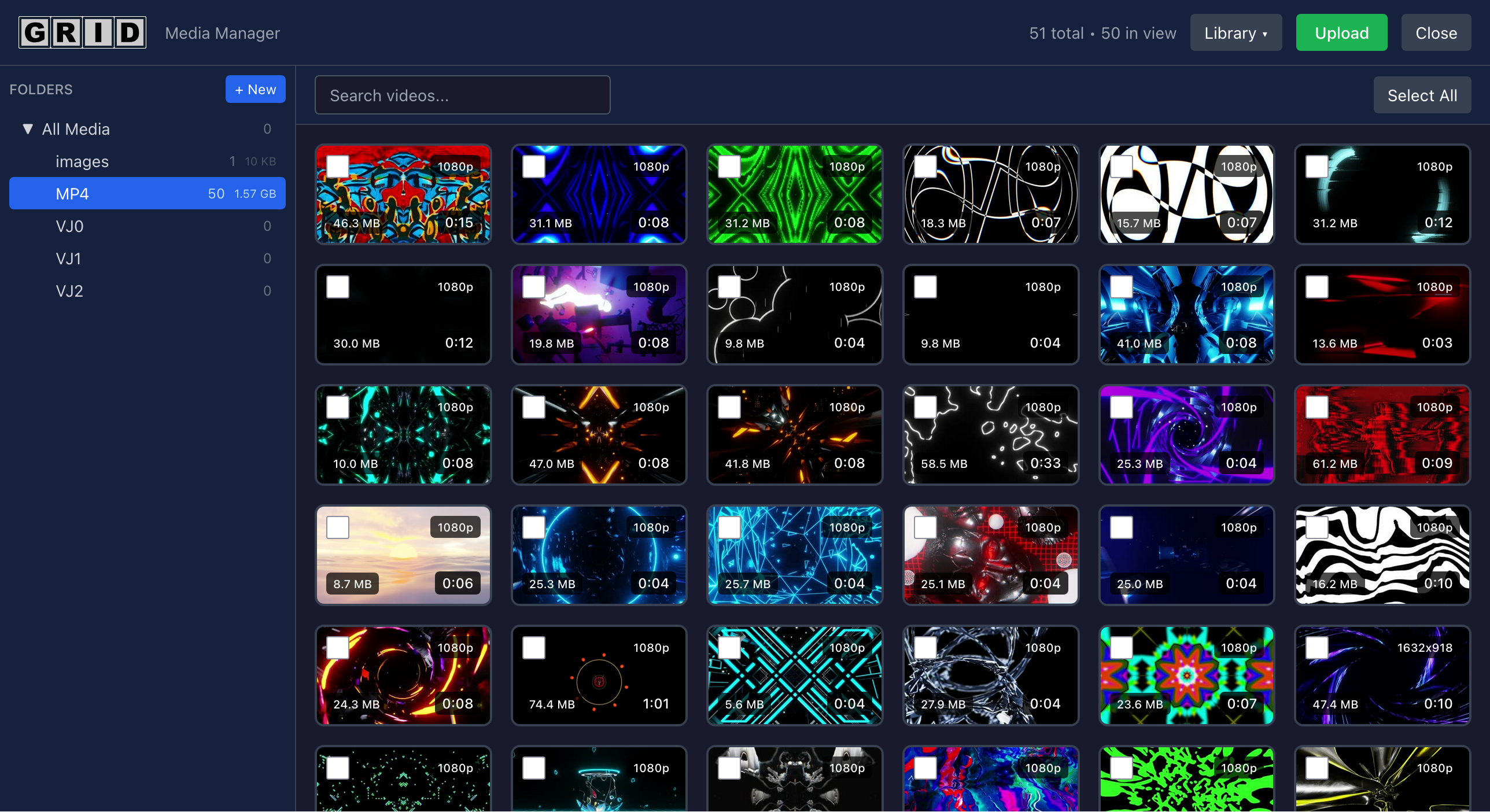
Media library with folder organization
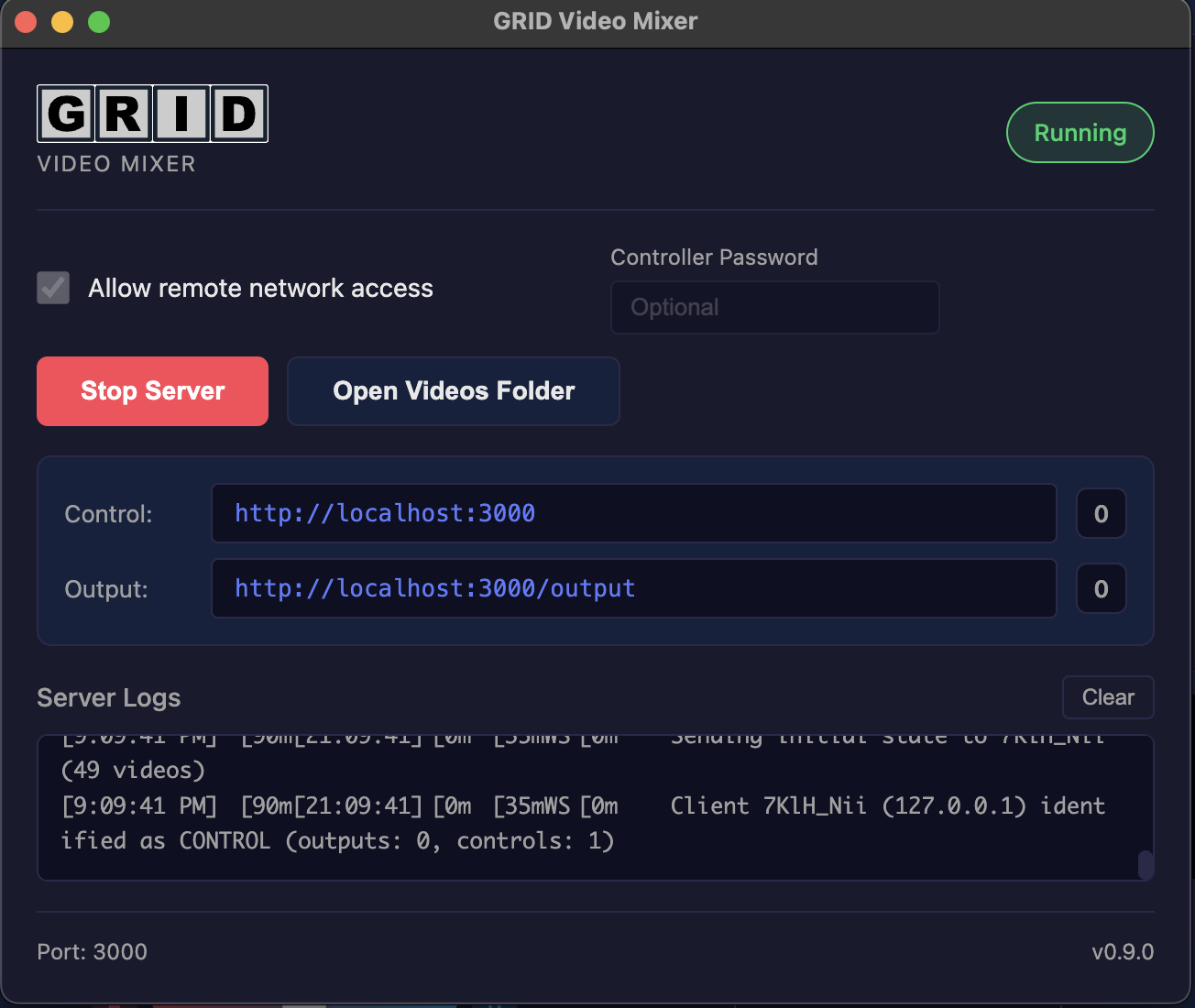
Desktop launcher for easy startup
Free to download and use. Upgrade to Max for more features.
Current version: 0.9.2 • Previous versions
GRID is designed as a standalone application with no external dependencies. No installer required - just download, extract, and run.
GRID.exePortable - run from anywhere
chmod +x GRID-*.AppImage./GRID-*.AppImageWorks on all distros
%APPDATA%\GRID\
~/Library/Application Support/GRID/
~/.config/GRID/
The Server Node manages all media files, thumbnails, and saved presets in this folder:
GRID/
├── public/videos/       - Your video files
├── public/thumbnails/   - Generated thumbnails
├── public/recordings/   - Recorded videos (Max)
├── uploads/             - Upload processing
└── configs/             - Presets and settings
GRID checks for updates automatically on launch. To manually upgrade:
Your videos, presets, and settings are stored separately and will be preserved.
To completely remove GRID:
Deleting the user data folder will permanently remove all your videos, presets, and settings. Back up any files you want to keep!
See GRID in action
Main control interface with 8 channels and crossfader
Fullscreen output ready for projection
Media library with folder organization
Desktop launcher for easy startup
Different requirements for different components
GRID separates the Controller (where you mix) from the Output (what's connected to your projector). The Output does all the heavy video processing, so it needs better hardware. The Controller just sends commands and can run on almost anything.
The mixing interface - runs in any browser
Recommended for most setups
For higher resolution output